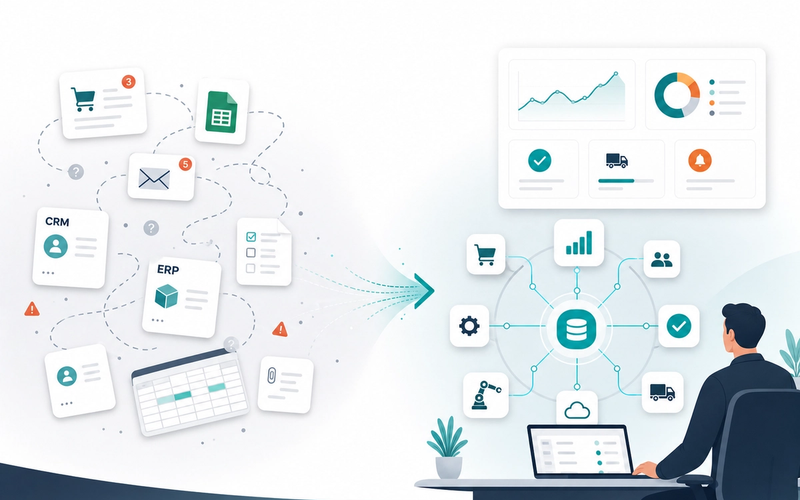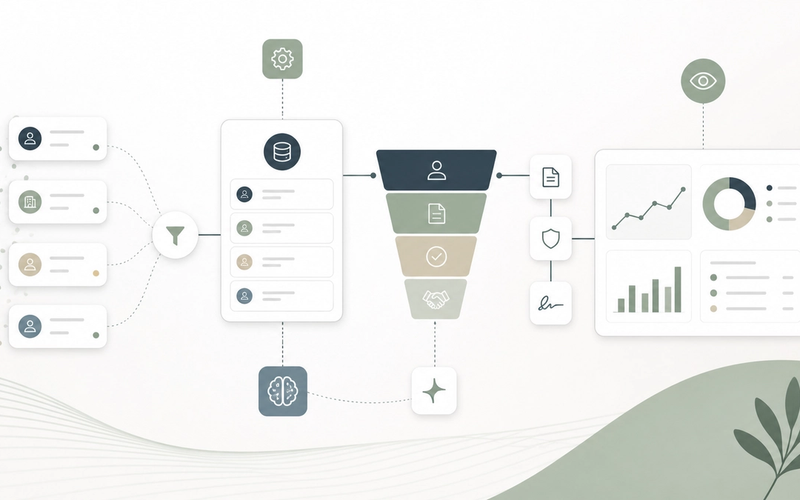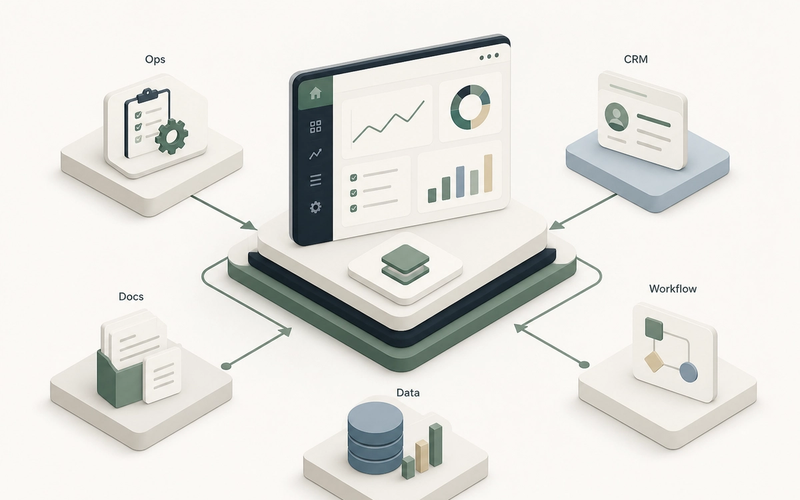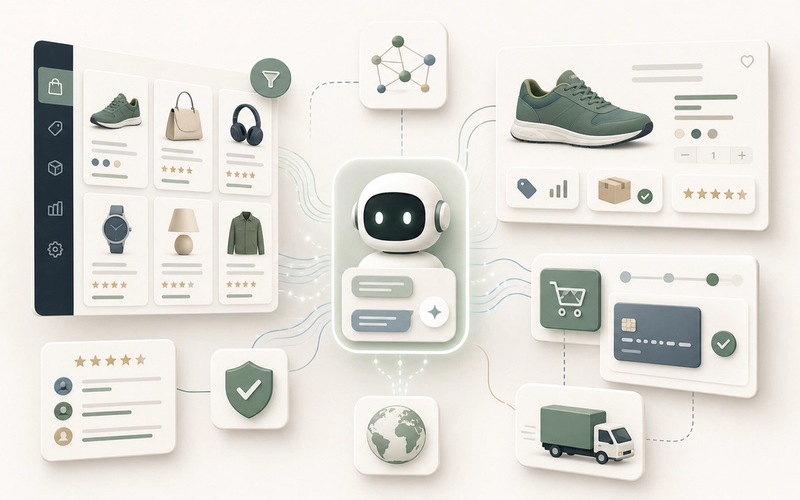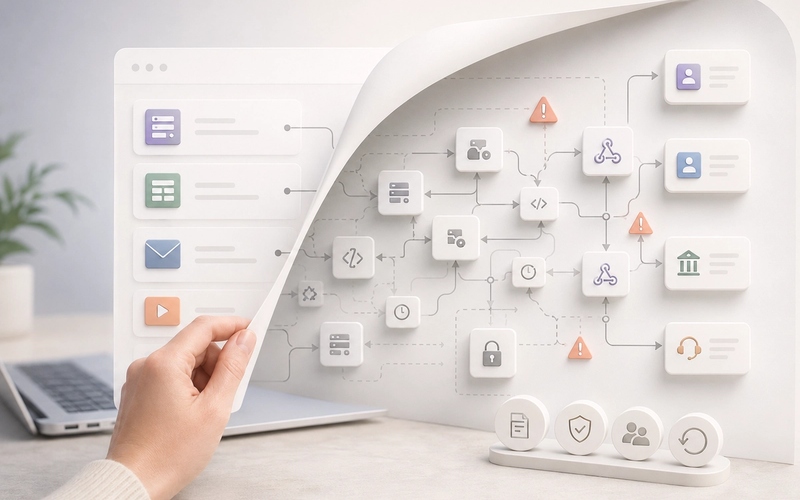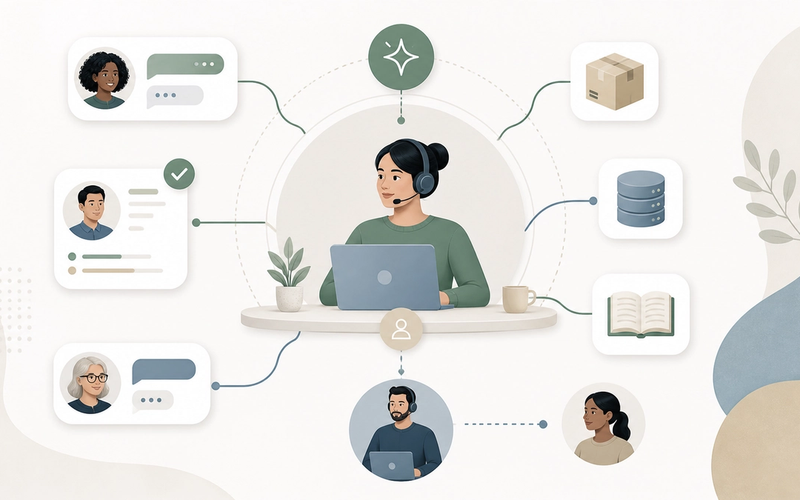
Customer support automation is not a chatbot project. It is the work of defining how a company receives, understands, prioritizes and resolves customer requests without losing context, quality or trust. Takora works on customer support and CX when demand grows faster than the organization’s ability to respond well: response times stretch, teams drown in repetitive requests, customer history is scattered across tools, and personalization remains manual while volume requires industrialization.
The essentials
- Support becomes a business risk when delays, follow-ups and inconsistent answers damage trust faster than the team can recover.
- The first levers are not always AI: routing, knowledge bases, priority rules, better forms and CRM/order/ticket integrations often create more value at the start.
- AI is useful for qualification, summaries, answer suggestions and self-service, but it needs guardrails, human escalation and traceability.
When support becomes a business risk
Slow support does not only cost a few hours of productivity. It increases churn risk, generates follow-ups, damages reputation, exhausts agents and forces the best people to handle urgent issues that should have been prevented, documented or routed earlier.
The most misleading signal is raw ticket volume. A team can absorb more requests if they are simple, well categorized and connected to the right customer context. Conversely, moderate volume can become unmanageable when every answer requires searching for an order, a contract, a previous conversation, a business rule and a commercial exception across five tools.
The real question for a CEO, support lead or CX leader is therefore not “which bot should we install?”. It is more operational: where is time lost, which requests repeat, what information is missing at response time, and which decisions must remain human because they affect reputation, commercial trust or a sensitive case?
Customer support automation: connect the signals to the right responses
A sound strategy starts from visible symptoms, then maps each one to a precise lever. Otherwise, the company automates randomly: it accelerates poor categorization, replies faster with less context, or pushes customers toward self-service that does not solve their problem.
| Observed signal | Priority response | Watch out for |
|---|---|---|
| Customer response times are too long | Automatic routing, priorities by urgency and request type, dedicated queues, controlled answer templates | Do not optimize only first response time: also measure total waiting time and full resolution |
| Support is overwhelmed by recurring requests | Targeted knowledge base, guided forms, assisted replies, self-service for simple cases | Do not create a dead FAQ: content must be tied to real tickets and updated |
| Lack of context during interactions | Unified customer record connecting CRM, orders, contracts, billing, history and tickets | Do not expose more data than necessary: access, minimization and traceability must be designed |
| Difficulty personalizing at scale | Operational segmentation, tone rules, reliable variables, contextual recommendations | Do not over-personalize with fragile data or signals the assistant does not truly understand |
This table shows something blunt but useful: most gains come from structure first. AI can amplify that structure, but it does not create it by itself. If ticket categories are inconsistent, if the knowledge base is outdated or if order status is not accessible, an assistant will produce plausible answers, not necessarily correct ones.
Automation vs “bot everywhere”: what should remain human
The wrong reflex is to put a chatbot in front of every customer and hope volume goes down. It may reduce simple contacts, but it may also increase frustration if the assistant blocks access to a human, repeats generic answers or fails to understand exceptions.
Two very different approaches
Bot everywhere
- Same experience for simple, sensitive and urgent requests
- Generated answers without certainty about the source used
- Human escalation hidden or hard to reach
- Success measured mostly by deflected tickets
Supervised automation
- Different rules depending on risk, customer value and complexity
- Answers grounded in controlled and dated sources
- Explicit human escalation with a context summary
- Success measured by resolution, satisfaction, customer effort and quality
A serious system separates tasks. Routing and qualification can be automated. Knowledge-base search can be assisted. Customer-history summaries can be generated. But a sensitive commercial decision, an emotional complaint, a complex billing error or a regulatory case must be able to move quickly to an accountable human.
Metrics should follow that logic. First response time is useful, but insufficient. An instant answer that solves nothing is a performance illusion. Teams should also track cumulative waiting time, full resolution time, back-and-forth messages, escalations, reopened tickets, satisfaction and quality reviews on a sample of conversations.
Data and integrations before magic
In customer support, context is often the real bottleneck. An agent cannot answer properly without knowing which product the customer uses, which order is involved, which incidents already happened, which contract applies or which sales promise was made.
That is why integrations matter as much as the interface. Connecting the CRM, helpdesk, billing tool, ERP, customer portal and business systems intelligently prevents customers from giving the same information three times. It also enables simple actions to be automated: enrich a ticket, trigger an order check, notify an operations team, or create an internal task when resolution depends on another department.
GDPR constraints do not disappear because a tool uses AI. Customer data remains personal data when it can identify a person. Teams must define purposes, limit exposed data, control access, document processing and avoid sending sensitive information into a system that has not been properly scoped. This is not legal theatre; it is a condition for trust and maintainability.
The European AI Act adds another simple principle for conversational assistants: when a customer interacts with a machine, they should be able to understand that they are doing so. In support, transparency is not only regulatory; it also prevents customers from believing a human decision was made when the system only produced a suggestion or automated triage.
A realistic example: absorb a request spike without lowering quality
Take a simple, deliberately fictional example. An ecommerce SME receives a spike in requests after changing carriers. Customers write to ask where their package is, request a refund, understand a delay or report an incorrect address. The support team replies manually, copies order numbers, searches the logistics tool, then forwards some cases to operations.
The wrong project would be to launch a generic chatbot promising to “handle support”. The better first scope would be narrower: identify request categories, connect the helpdesk to order status, create assisted replies for simple cases, generate a ticket summary for escalations, and track actual resolution by request type.
If the customer simply asks “where is my order?”, the system can check status and suggest a reliable answer. If the customer is angry, mentions harm or asks for compensation, the assistant can prepare context but should not decide alone. If the delay reveals a recurring carrier issue, the ticket can also feed an operations workflow. Support remains the customer interface; action may then move internally.
Takora’s framework: start from a real flow, not a tool promise
Takora approaches this work through the flow, not through the trendiest technology. The first task is to choose a concrete scope: one request family, one channel, one team, one product, one ticket queue or one customer segment. Only then should the team decide whether to automate, integrate, build a portal, improve the knowledge base or add an AI assistant.
A realistic path
Diagnose request volume and types
Group tickets by intent, urgency, channel, agent effort and dependency on other teams.
Stabilize quick wins
Improve forms, routing rules, answer templates and knowledge content before adding complexity.
Connect useful data
Expose only the necessary data from CRM, orders, billing or business systems.
Add AI assistance where it can be controlled
Start with summaries, search, answer suggestions or qualification, with human review and logs.
Measure quality and adoption
Track resolution, satisfaction, reopened tickets, escalations and errors, not only deflected tickets.
This framework avoids two common traps: overinvesting in a tool before clarifying the process, or staying stuck in manual macros when the necessary data already exists. For an SME or mid-market company, the right trade-off mostly depends on volume, repeatability, customer risk and the quality of existing systems.
Risks, limits and where to start
Do not automate support that does not yet have stable rules. If two competent agents do not answer the same frequent request in the same way, AI will not solve the problem: it will make the inconsistency more visible.
- Start with frequent, low-risk and well-documented requests.
- Initially exclude sensitive cases: disputes, health, credit, fraud, tense cancellations, delicate personal data.
- Provide clear, accessible and logged human escalation.
- Limit the assistant’s data access to the information required for the intended answer.
- Measure conversations correctly resolved, not only conversations automated.
- Review the knowledge base and prompts regularly when offers, contracts or policies change.
Another bad signal is lack of ownership. A support automation project often touches the business, operations, compliance, data and engineering. Without a clear owner for answer quality and escalation rules, the system will age poorly.
FAQ — Customer support, CX and automation
01 Should we start with a chatbot or a knowledge base?
02 What is the difference between a chatbot, search and an AI support assistant?
03 How should GDPR be handled with a support assistant?
04 Can a three-person support team automate support?
05 When should we not invest yet?
Customer support does not scale by hiding humans behind an automated interface. It scales when simple requests receive reliable answers, agents have the right context, sensitive cases escalate cleanly and the company learns from what customers keep repeating. That is less spectacular than a supposedly autonomous bot. It is also much stronger.
Key takeaways
- Support is a system: channels, data, rules, knowledge, humans, automation and metrics must be designed together.
- AI is relevant when it operates on a clear scope, with controlled sources, human supervision and explicit limits.
- The best first step is to diagnose one precise support workflow before choosing a tool or assistant.
Takora can analyze one concrete customer request flow, check the available data, identify what belongs to simple automation, integration or supervised AI assistance, and propose a realistic path forward.
Go further
Related resources
Sources
References and documentation