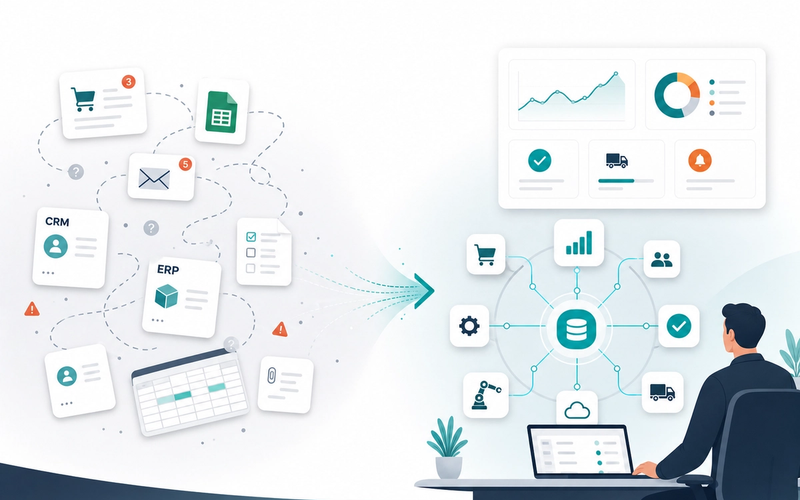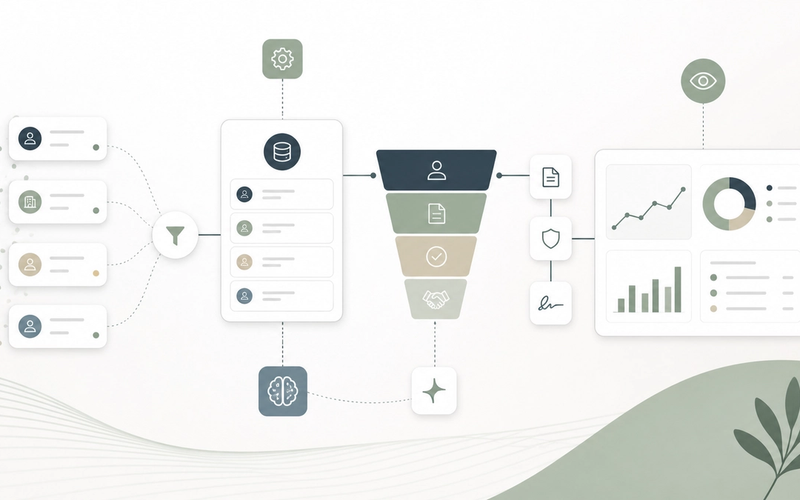
Sales pipeline visibility rarely breaks overnight. It erodes when the team grows, opportunities come from too many channels, prospect data becomes stale, quotes are prepared outside the CRM and reporting arrives too late to change the outcome.
The essentials
- Takora works on sales systems when the business still relies too heavily on spreadsheets, copy-paste between tools and meetings just to understand the pipeline: unclear forecasts, aging prospect data, administrative work eating selling time, and performance insight arriving too late to act.
- The answer is not to buy “more CRM”. The first useful work is to clarify stages, vital fields, sources of truth, integrations and automations that give sales teams time back without breaking field discipline.
- AI can help with qualification, preparation and summaries. It should not decide account value alone, send unchecked messages to prospects or process sensitive commercial data without guardrails.
The lying pipeline: when growth makes sales less predictable
A sales pipeline rarely lies because salespeople are careless. It lies because the system forces them to choose between selling and documenting. When CRM entry is too heavy, stages do not match field reality, or useful information lives in emails, Slack, Notion, an ERP or a quoting file, the CRM becomes a distorted mirror.
The visible symptom is a fragile forecast. The real issue goes deeper: the company can no longer distinguish a genuinely active opportunity from an old deal nobody wants to close, a commercial follow-up from an administrative follow-up, or a priority account from a record that happened to be enriched.
This is especially clear in B2B teams with 5 to 15 salespeople. As long as everyone talks every day, system gaps are compensated by shared memory. Once volume grows, that memory becomes an operational risk.
Sales pipeline visibility: the four signals to solve together
A serious sales use-case page should not reduce the topic to dashboards. Four signals reinforce each other: a pipeline that is hard to follow, incomplete or outdated prospect data, administrative tasks that slow closings, and limited visibility into sales performance.
| Signal | What it often hides | Useful response |
|---|---|---|
| Sales pipeline is hard to follow | Too many stages, unclear exit criteria, dead opportunities kept for comfort | Define a small number of stages, each tied to observable evidence: qualified exchange, confirmed need, proposal sent, decision expected |
| Prospect data is incomplete or outdated | Duplicates, unused fields, manual enrichment, information scattered across tools | Limit required fields, automate reasonable enrichment, control duplicates and document the source of truth |
| Administrative tasks slow closings | Quotes, documents, approvals, reminders and handoffs handled outside the system | Automate the notifications, templates, checks and reminders that actually block signature |
| Sales performance visibility is weak | Reporting rebuilt manually, definitions differing across teams, data arriving too late | Build simple indicators from reliable events rather than a sophisticated dashboard nobody trusts |
Seen separately, each signal looks like a tool problem. Seen together, they reveal a system problem: commercial reality is not captured at the right moment, by the right tool, with the right level of detail.
“More CRM” is not a strategy
Changing CRM can be necessary. But it is a poor first answer if nobody has clarified what the CRM must prove. A useful pipeline is not a list of hopes; it is a sequence of states where each movement corresponds to a verifiable fact.
The first decision is to simplify the data model. For a simple B2B pipeline, a few fields often matter more than fifty properties: lead source, segment, owner, next event, amount or range, expected decision date, probability or forecast category, main blocker and loss reason.
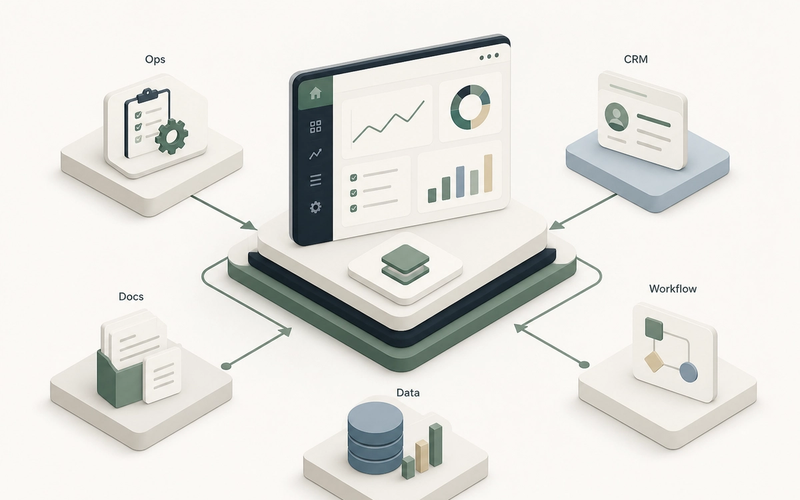
Only then do integrations matter. A CRM is undermined when it depends on re-entry. It is reinforced when forms, emails, quoting tools, billing tools, ERP, calendars and internal databases feed the right fields without creating duplicates or overwriting useful history.
Two very different approaches to sales CRM
Administrative CRM
- Many fields, few truly reliable ones
- Stages designed for reporting, not field work
- Data entry done at the end of the week to satisfy management
- Forecast debated in meetings because the data is disputed
Operational CRM
- Fewer fields, each with an owner and a use
- Stages tied to observable commercial evidence
- Data fed by tools the team already uses
- Forecast reviewed from recent events and visible risks
The right CRM is not the one that can do everything. It is the one that supports the real process well enough that salespeople do not need to maintain a parallel truth.
Automate where it helps deals close
Useful sales automation is not about sending more messages. It is about removing the friction that wastes time once a deal is already moving: producing a coherent quote, collecting a missing document, notifying the right approver, following up on signature, preparing a marketing-to-sales handoff or synchronizing an opportunity with billing.
A simple principle prevents many mistakes: automate the frame, not the relationship. The system can prepare, remind, check and synchronize. The salesperson should keep control of sensitive wording, timing and account judgment.
- Quote automation should verify minimum data before generation, not merely produce a PDF faster.
- Document follow-up should distinguish a missing administrative item from a real commercial objection.
- A marketing-to-sales handoff should pass useful context, not just create a generic task.
- CRM ↔ billing synchronization should preserve traceability of amounts, statuses and responsibilities.
AI for sales: qualification and preparation, not replacement of judgment
AI has a real place in sales, but it must remain specific. The best use cases are not “an agent that sells instead of the team”. They are assistants that help qualify, prepare and structure: account summaries, signal extraction from emails, discovery question preparation, follow-up drafts, missing-field detection and pre-meeting briefings.
The risk is to confuse speed with quality. AI can produce a plausible but wrong follow-up, over-rank a lead for weak reasons, summarize an account while missing a contractual constraint, or expose personal data without a clear frame. For commercial data, guardrails are not optional: purpose, access control, traceability, human validation, limited retention and the ability to explain where a recommendation came from.
Key points
- Good AI use: prepare the salesperson before an interaction and flag data inconsistencies.
- Dangerous use: let AI alone decide account priority, final wording of a sensitive message or commercial discounts.
- Prerequisites: clean data, controlled access rights, logging, validation rules and a limited test scope.
Fictional example: a B2B team of 9 salespeople with an inflated pipeline
Take a fictional example. A B2B services SME has 9 salespeople, a CRM configured three years ago, a separate quoting tool and a shared file to track renewals. The displayed pipeline is high, but leadership no longer trusts the forecast. Salespeople say they lack time. The CFO discovers some deals only when a discount needs approval.
The diagnosis does not start with tool selection. It starts with a short map: where the lead comes from, who qualifies it, when an opportunity is created, which evidence allows a stage change, where the quote is produced, who approves it, which fields are required for billing and when an opportunity should leave the forecast.
A pragmatic intervention plan
Week 1: clarify stages
Remove ambiguous stages and tie each movement to an observable fact.
Weeks 2-3: improve critical data reliability
Define vital fields, manage duplicates, establish sources of truth and clean the dormant pipeline.
Weeks 4-6: integrate and automate the closing workflow
Connect quoting, approval, CRM and billing; automate administrative reminders and risk alerts.
After stabilization: test targeted AI assistance
Prepare meetings, summarize accounts and flag missing data, without unvalidated automated decisions.
The expected result is not a sales miracle. It is more concrete: less ghost pipeline, fewer forgotten follow-ups, less re-entry, better risk visibility and more selling time redirected toward active accounts.
Should you integrate, automate, build or do nothing?
Not everything deserves a project. That is uncomfortable but useful. If the team handles ten opportunities a month and the process is stable, a better CRM routine may be enough. If the problem is poor management discipline, a workflow will not fix the absence of decisions.
Integration comes first when several tools each hold part of the truth: CRM, ERP, quoting, billing, forms, pre-sales support. Automation comes first when the same administrative actions repeat and block signature. Custom development becomes relevant when the real sales journey is too specific for a standard CRM: partner portal, complex configuration, business-specific pricing rules or nonlinear approval workflow.
| Situation | Likely response | Avoid |
|---|---|---|
| The CRM is empty or updated too late | Reduce fields and bring data capture closer to real work | Add a dashboard above false data |
| Data is good but scattered | Integrate tools and choose a source of truth | Force double entry and hope for more discipline |
| Closings stall on quotes, documents or approvals | Automate the sales admin workflow | Automate commercial follow-ups without solving blockers |
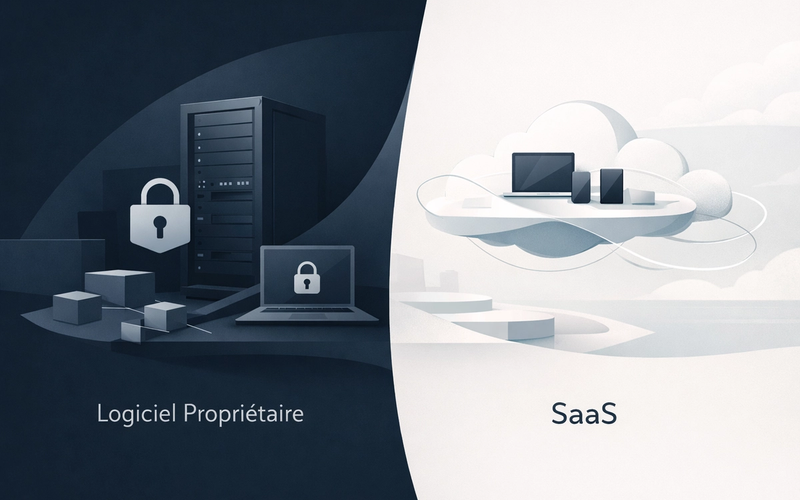
| The process is genuinely specific to the company | Consider a proprietary sales tool or CRM extension | Twist a SaaS until nobody understands it |
| Volume is low and the process still changes every month | Stabilize rules before investing | Build a rigid system too early |
Minimum indicators to manage sales without an inaccessible dashboard
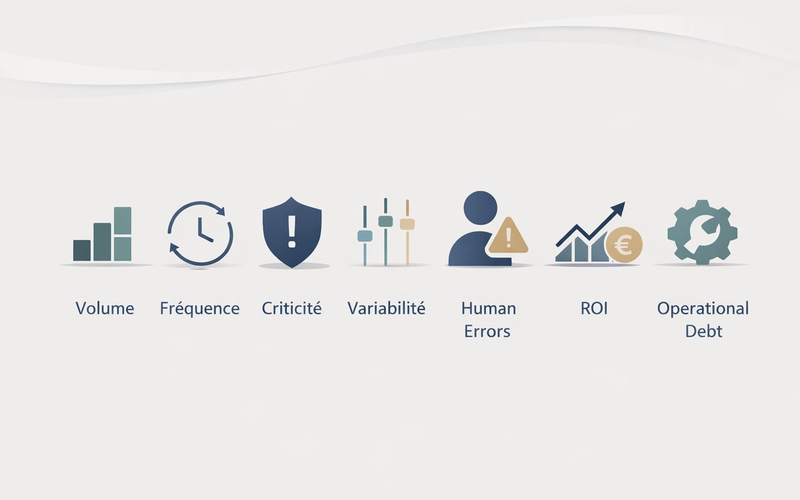
Good sales management often starts with a small number of indicators. The issue is not a lack of metrics, but a lack of trust in the ones that exist. Minimum indicators must be understandable, tied to action and updated early enough to change something.
- Active opportunities by stage, with a clear rule for removing dormant opportunities.
- Next event entered and dated on priority opportunities.
- Average age by stage and alerts on immobile deals.
- Conversion rate between stages, interpreted carefully if definitions have changed.
- Committed amount, best case and identified risk by forecast period.
- Loss reasons simple enough to be used, but precise enough to guide corrections.
The trap is trying to measure everything immediately. A useful sales dashboard must first create a more reliable management conversation: which deals deserve action, which blockers repeat, which accounts leave the pipeline and why.
FAQ — Sales, CRM and pipeline management
01 When should we rebuild a CRM instead of orchestrating what already exists?
02 Which CRM fields should really be mandatory?
03 Can AI qualify leads automatically?
04 How do we improve pipeline visibility without burdening salespeople?
05 Which indicators should we look at first?
Conclusion: the real issue is trust in the sales system
Sales does not become structured through a spectacular tool. It becomes structured when the system allows everyone to see the same reality: salespeople know what to do next, managers know where to help, leadership reads a credible forecast, and support or finance teams receive clean information at the right moment.
Takora approaches this as an operational system problem: clarify the process, improve data reliability, integrate tools, automate what blocks progress and use AI only where it helps without degrading trust. It is less attractive than a promise of instant growth. It is much more solid.
Key takeaways
- A reliable pipeline depends first on clear stage criteria and prospect data maintained in the right place.
- The highest-value automations are often administrative: quotes, approvals, document follow-ups, synchronizations and risk alerts.
- AI should assist qualification and preparation, with guardrails, traceability and human validation.
- Before changing CRM, audit one real sales workflow and measure where operational truth gets lost.
Takora can assess one concrete sales workflow — qualification, quote creation, document follow-up, handoff or reporting — to identify what should be simplified, integrated, automated or kept human.
Go further
Related resources
Sources
References and documentation