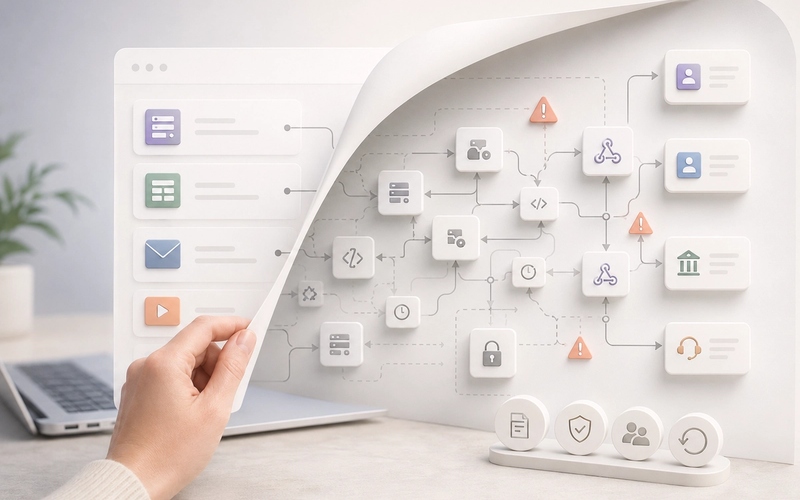
No-code automation risk does not appear when a small or medium-sized enterprise (SME) creates a Make scenario or a Zap. It appears when that workflow becomes essential to customer relationship management (CRM), billing, support, or reporting without being treated as an operational asset.
For a long time, the hidden operational risk inside SMEs had a familiar shape: the critical Excel file. It was emailed around, duplicated, edited by several people, full of obscure formulas, undocumented macros, and implicit business rules. Nobody called it an information system. Yet it calculated commissions, consolidated revenue, prepared accounting exports, or fed executive reporting.
Today, part of that risk has changed shape. It looks like a Make scenario created in a hurry, a Zapier automation connecting a form to the CRM, an Airtable base used as a mini-enterprise resource planning system (ERP), a Google Sheet extended with Apps Script, or a webhook connected to Stripe, HubSpot, Slack, Notion, or a billing tool. At first, this is often a very good initiative. The problem begins when the shortcut becomes a dependency.
French SMEs and teams across the EU often face the same challenge: no-code tools accelerate the business and move part of the systems logic outside the classical IT perimeter, yet the expectations—General Data Protection Regulation (GDPR) compliance, traceability, evidence in disputes, leadership accountability, and business continuity after an incident—remain comparable to those of a conventional software component.
The essentials
- No-code automation risk does not come from Make, Zapier, Airtable, or Google Sheets themselves; it comes from a workflow becoming critical without matching governance.
- The first task is operational rather than technical: know which workflows exist, who owns them, which data they move, and how they recover after an incident.
- For an SME in France or the European Union, the topic quickly touches GDPR, traceability, permissions, subprocessors, and business continuity.
- The right response is not to rebuild everything in code: classify automations by criticality, then harden only the workflows that carry real risk.
No-code automation risk starts when the workflow becomes invisible
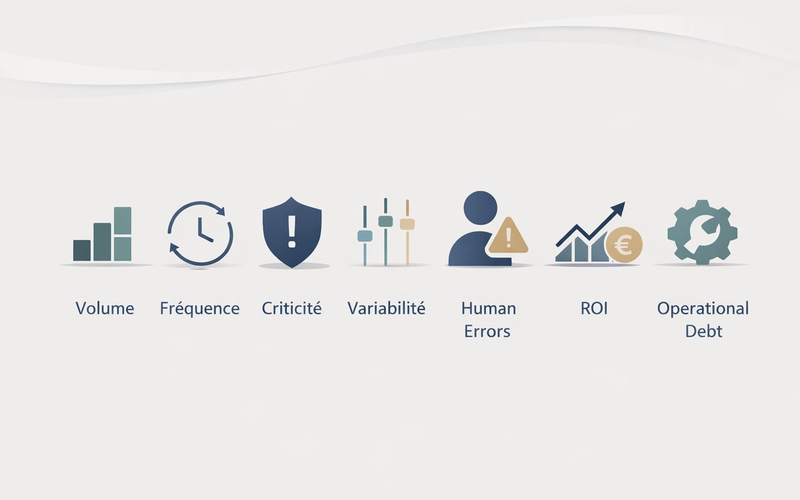
An automation becomes critical when it reads or modifies customer, commercial, financial, or operational data; when it triggers a customer-visible action; when it feeds a CRM, billing tool, mini-ERP, or executive dashboard; or when it replaces a human task that is no longer manually checked.
The Excel comparison is direct. Control frameworks often refer to End-User Computing: tools created or maintained by business teams, outside the central IT framework, but used to decide, calculate, or execute important processes. Modern no-code tools extend this pattern with more connectors, more automation, and sometimes more sensitive data.
| Level | Typical signal | Reasonable response |
|---|---|---|
| Low-risk | Internal notification, reversible task, no sensitive data | Light documentation and identified owner |
| Useful | Regular time saving, business data, limited impact if it fails | Logging, periodic review, and simple manual fallback |
| Critical | CRM, billing, customer operations, executive reporting, or personal data | Inventory, alerts, controlled permissions, recovery, tests, and governance |
Maturity does not mean rebuilding everything in code. It means naming what has become important. A low-risk automation can stay simple. A critical automation must be governed.
The real weakness for SMEs is often the missing inventory
Many companies do not know how many workflows exist, who created them, which accounts hold access tokens, which data moves through them, which tools are connected, which business rules are embedded, and what happens if a run fails. Bluntly, this is often the number-one weakness: you cannot secure, recover, or improve what nobody has mapped.
- List workflows that touch CRM, billing, support, reporting, payment reminders, account creation, or accounting exports.
- Identify the business owner and technical owner for each workflow.
- Document connected tools, data read, data modified, permissions used, and the accounts that hold access.
- Qualify the impact of failure: visible, silent, reversible, customer-facing, financial, regulatory, or operational.
- Decide what to keep as is, document, monitor, harden, migrate, replace, or remove.
The minimum record for a critical no-code workflow
A useful inventory should not become a bureaucratic exercise. For each critical automation, a short record is enough if it answers the right questions: what the workflow does, who owns it, which data it reads or writes, which tools it connects, which permissions it uses, which logs exist, which alerts are sent, and how recovery works if processing fails.
- Workflow name, tool used, administration URL, and affected environment.
- Business owner, technical owner, and person able to intervene if they are unavailable.
- Trigger, main steps, connected systems, and personal or sensitive data handled.
- Account or token used, permission level, last review date, and rotation rule if any.
- Failure detection method: log, notification, alert, dashboard, or manual control.
- Recovery procedure: replay, correct, cancel, switch to manual handling, or escalate.
Silent errors cost more than visible outages
An automation can fail quietly. An access token expires. An application programming interface changes. A CRM field is renamed. A quota limit is reached. A webhook is called twice. A scenario processes two events in the wrong order. The workflow keeps running, but it produces data that is false, incomplete, or inconsistent.
Take a simple example. An SME syncs inbound form requests to its CRM, then triggers a qualification email and a sales task. If the “company size” field changes name in the form, the scenario may keep creating leads but stop segmenting accounts correctly. The team does not see an outage; three weeks later, it sees a poorly prioritized pipeline.
No-code also increases data and security risks
A no-code automation is never neutral: it transports, transforms, copies, enriches, or exposes data. If it touches personal data, it may fall within the scope of the General Data Protection Regulation. The French data protection authority, CNIL, explains that the processing register is used to document processing activities, purposes, categories of data, access, retention periods, and security measures.
The security issue is just as concrete. A CRM connector with read-write access, an administrator token used in a scenario, an unauthenticated webhook, an automatic export to a shared base, or an automation triggered by email can become an attack surface. The absence of handwritten code does not remove permissions, dependencies, or responsibilities.
The trap: confusing interface simplicity with operational simplicity
Improvised automation
- Personal account and undocumented access token
- No usable alert when a run fails
- Business rules scattered across several tools
- Recovery depends on one person
Governed automation
- Clear owner and permissions limited to the real need
- Logs, alerts, and verifiable processing status
- Dependencies and business rules documented
- Recovery procedure that can be tested and reversed
The right target is not heavy governance for every small automation. It is a level of control proportional to the risk: the more a workflow touches a vital process, the more it should look like a production component.
When should you harden, migrate, or remove an automation?
The honest answer: not always. Some automations should remain in Make, Zapier, Airtable, or Google Sheets. Others should move to n8n, to a more controlled architecture, or to an internal tool. Some should disappear because they compensate for a bad process instead of solving it.
- Keep it simple if the impact is low, the data is not sensitive, and manual recovery is obvious.
- Harden it if the workflow is useful, recurring, dependent on several tools, and difficult to monitor.
- Migrate it if the business logic becomes complex, volumes grow, errors are hard to replay, or permissions are too broad.
- Remove it if the automation hides an obsolete rule, duplicates unnecessary data, or creates more confusion than value.
A realistic approach: audit the ten most critical workflows
Operational resilience frameworks used in regulated sectors emphasize critical operations, internal and external dependencies, business continuity, incident management, and recovery capacity. An SME does not need the weight of a bank-grade framework. It can adopt the useful idea: know which operations are vital, what they depend on, and how they recover after an incident.
A pragmatic 30-day audit plan
Week 1 — Map
List automations touching revenue, CRM, billing, support, personal data, or executive reporting. The goal is not perfect exhaustiveness, but a first map of visible dependencies.
Week 2 — Classify
Assess criticality with three questions: what happens if the workflow stops, if it produces wrong data, or if it exposes sensitive data? Critical workflows move to the top.
Week 3 — Harden
Fix the most obvious risks: replace personal accounts, reduce permissions, enable alerts, check logs, write the recovery procedure, and identify the accountable owner.
Week 4 — Decide
Choose what stays in the no-code tool, what moves to a more robust architecture, what should be replaced, and what should be removed. The expected output is a short, prioritized roadmap business teams can understand.
Key points
- No-code risk is not the tool; it is the gap between the workflow’s real importance and the governance applied to it.
- A workflow that modifies customer, commercial, financial, or regulatory data needs an owner, controlled permissions, logs, alerts, and recovery.
- The first step is not to rebuild everything: it is to inventory, classify, and treat workflows according to criticality.
- Takora can help audit one concrete workflow, clarify dependencies, and prioritize fixes without turning the topic into a large IT program.
Frequently asked questions about no-code automation risk
01 Should companies stop using Make, Zapier, or Airtable?
02 When does an automation become critical?
03 Which audit should come first?
04 Does GDPR apply to no-code automations?
05 Do workflows need to be hosted in France or the EU?
The new critical Excel file is not only a forgotten Make scenario or Zap. It is any business logic that has become indispensable without ever being recognized as such. Before automating more, SMEs should audit what they have already automated: not to slow innovation, but to avoid running their real operating system through grey zones that nobody truly owns.
Go further
Related resources
Sources
References and documentation